OneHome
Everyday life, shared at home.
To-dos, shopping, chores, expenses and calendar in one app for iPhone, iPad and Apple Watch.
Download on the App StoreFree for 14 days, then a one-time purchase of $4.99 (69 kr) – no subscription, no ads.
Your home, in one app
OneHome is built for families who want a shared place to organise everyday life, but works just as well if you use it on your own.
One person creates a home and becomes its owner, then invites others to join as members. Don't need every feature? The owner can turn features on or off in the home settings.
Features
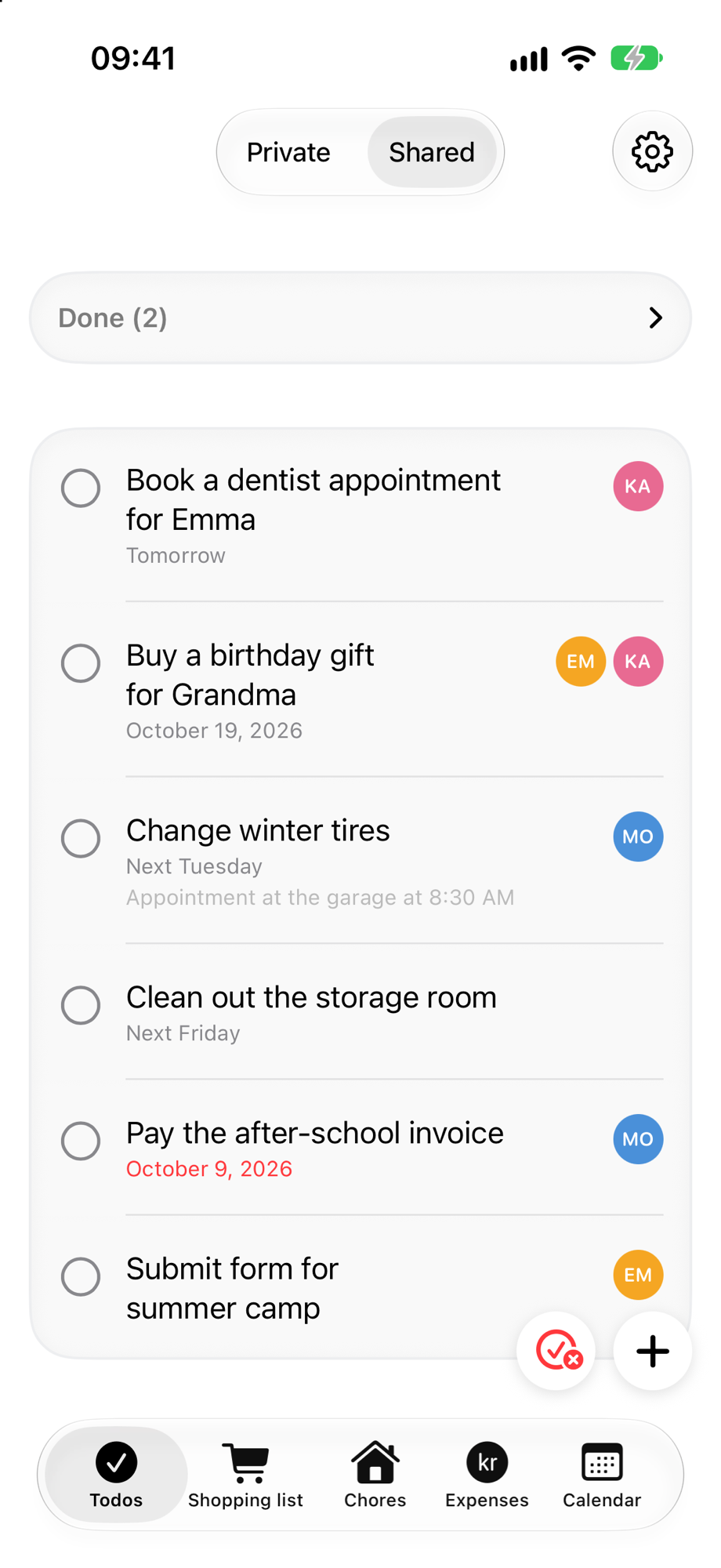
- To-dos – Add shared to-dos and assign them to one or more people, or keep them private. Get reminders by date and time, or when you leave or arrive at a location.
- Shopping list – Pick from a long, categorised list of items to build a shared shopping list. Can't find an item? Create your own, and it becomes available to everyone in your home. Save packs of items you always buy together, like a taco night, and only the items not already on the list are added. You can also keep several lists, for example one for the cabin.
- Chores – Set up recurring chores, such as changing the bed sheets every other week, and choose who gets reminded. Optionally turn on points: give each chore a value, set a goal and a reward, and OneHome tells you when someone reaches it.
- Expenses – Log what you paid and who it was for, and see who owes whom. Settle up in the app and the balance goes back to zero.
- Calendar – A shared calendar with reminders and chosen participants. You can also show the events from your own iPhone calendar.
- Apple Watch – Access your to-dos and shopping list on your wrist. The watch app works independently of your iPhone, so you can leave your phone at home when you go shopping. The watch needs Wi-Fi or a mobile connection to fetch your data from iCloud.
- iPad and iPhone Duo – OneHome is made for large screens too, with an Overview page that shows all features as cards on one screen.
- Widgets and Siri – Add widgets to your Home Screen and use Siri shortcuts.
Screenshots
To-dos 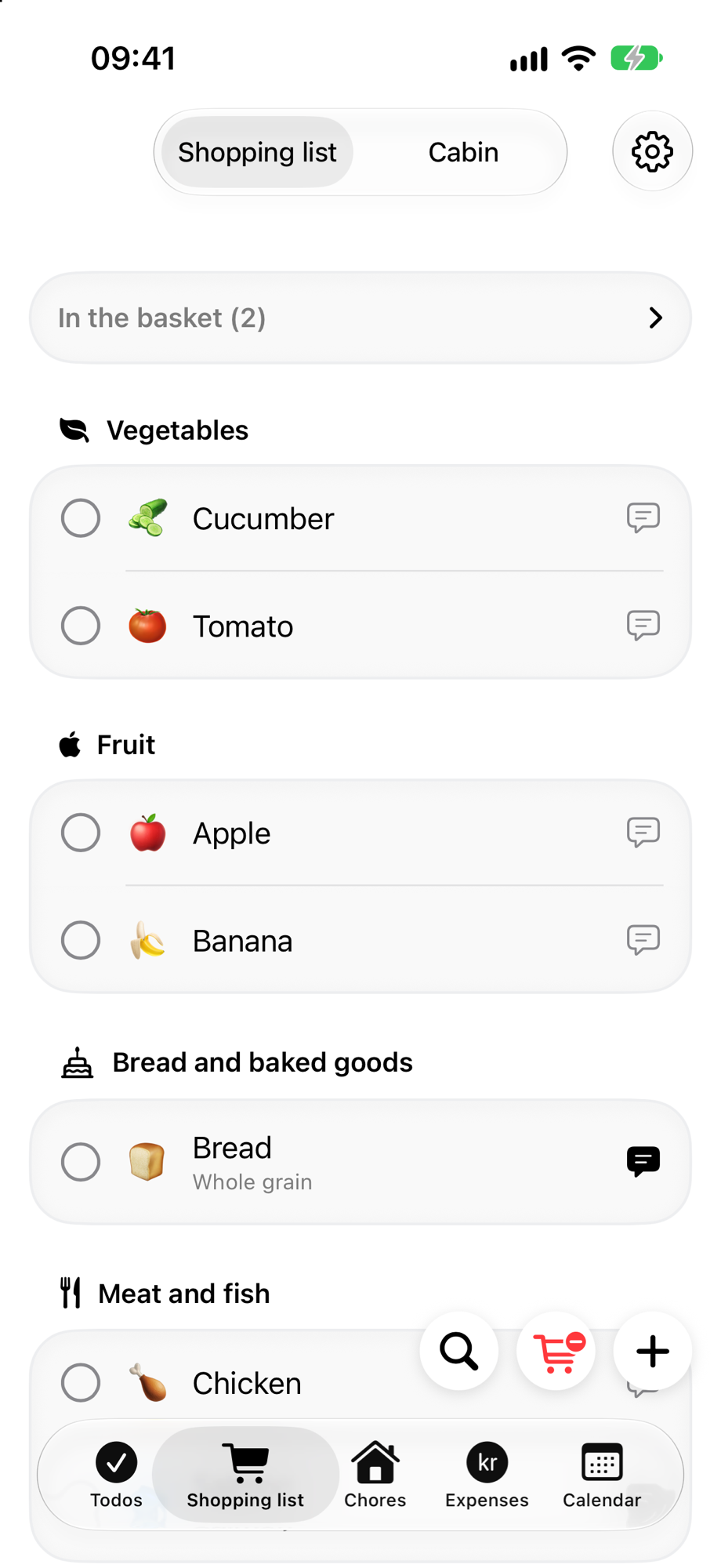
Shopping list 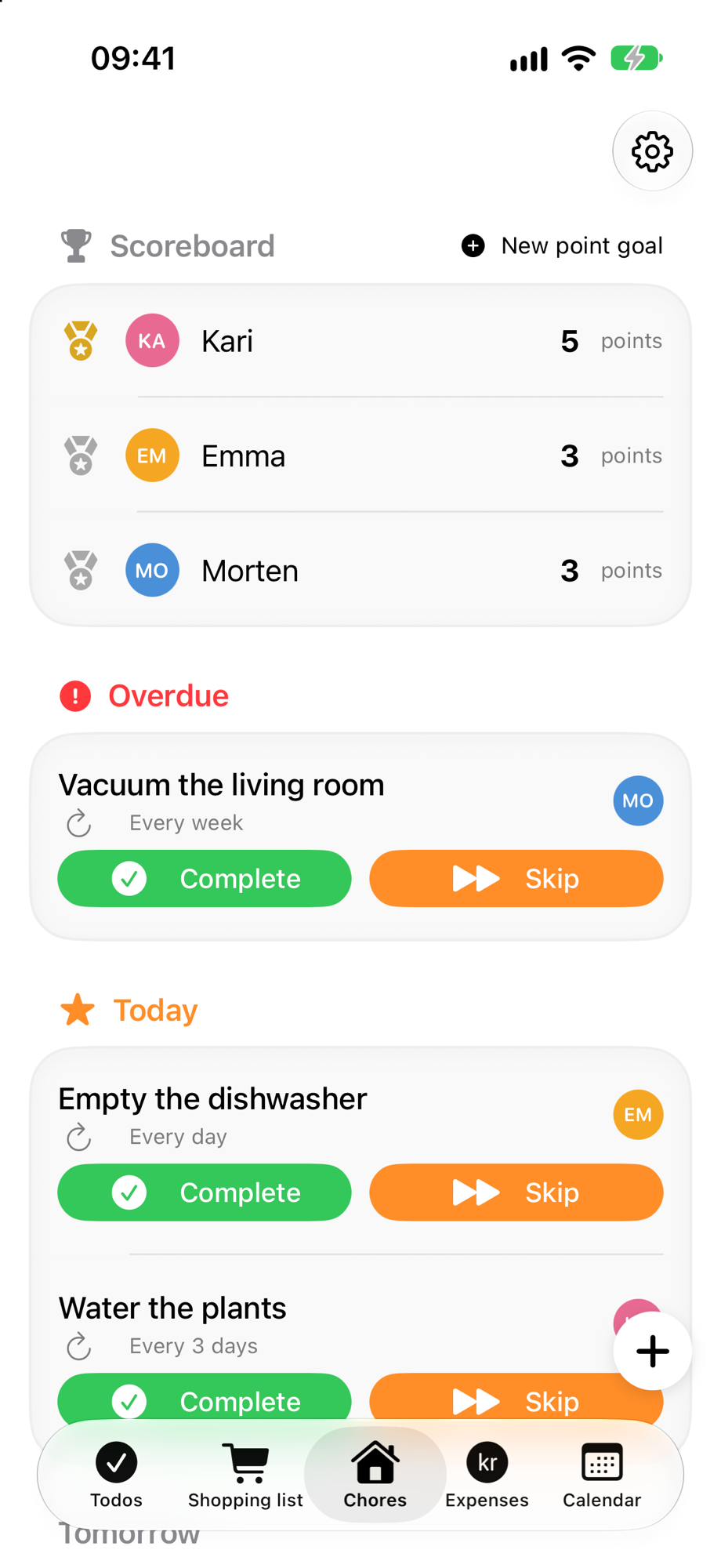
Chores 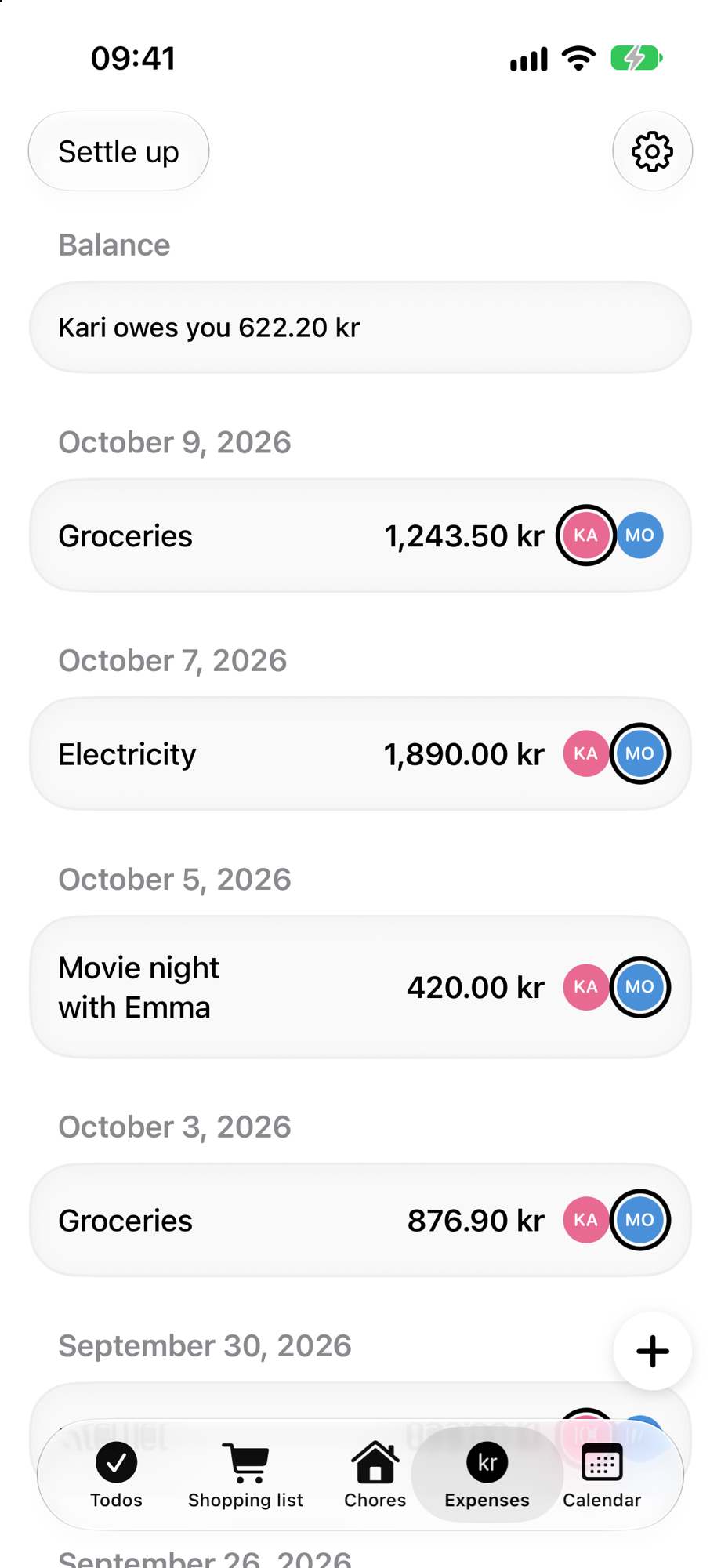
Expenses 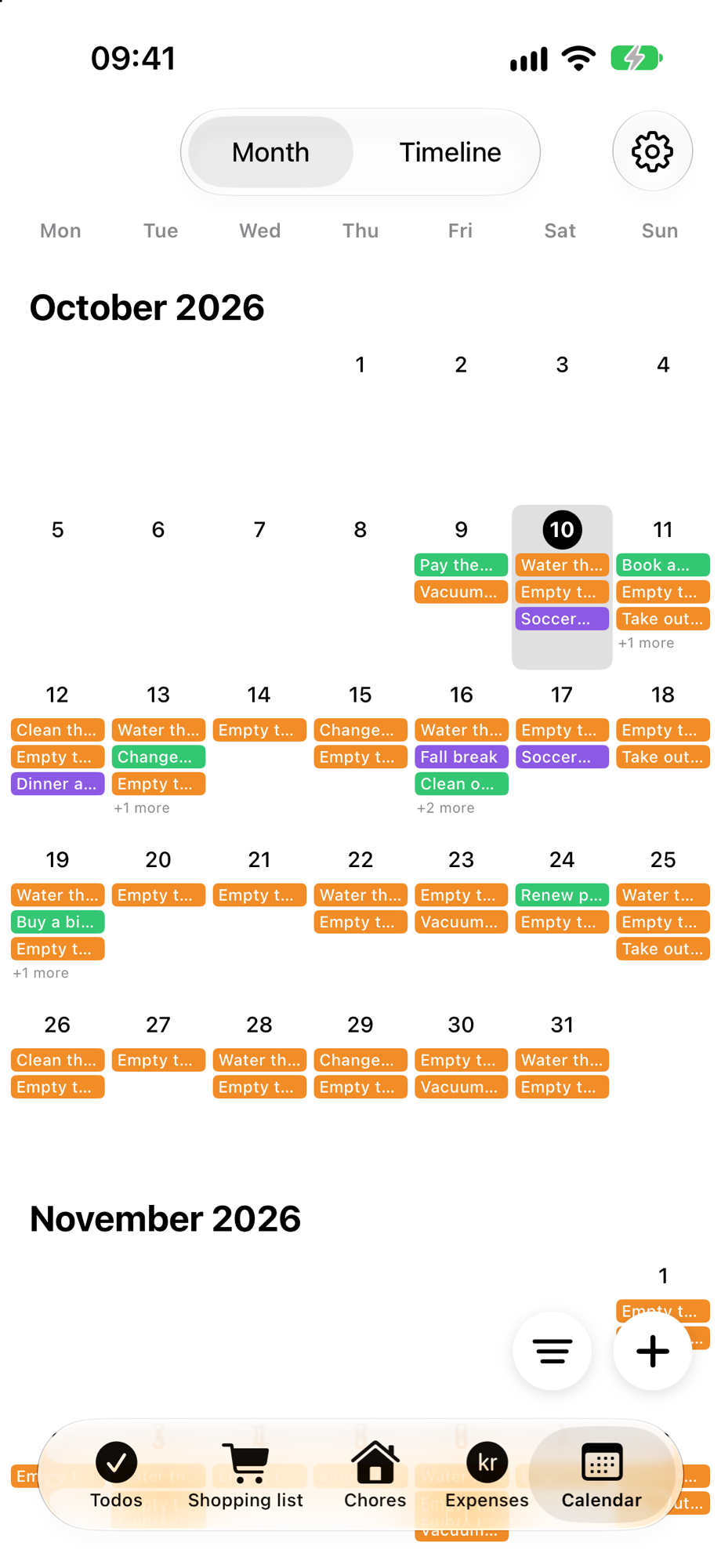
Calendar
Make it yours
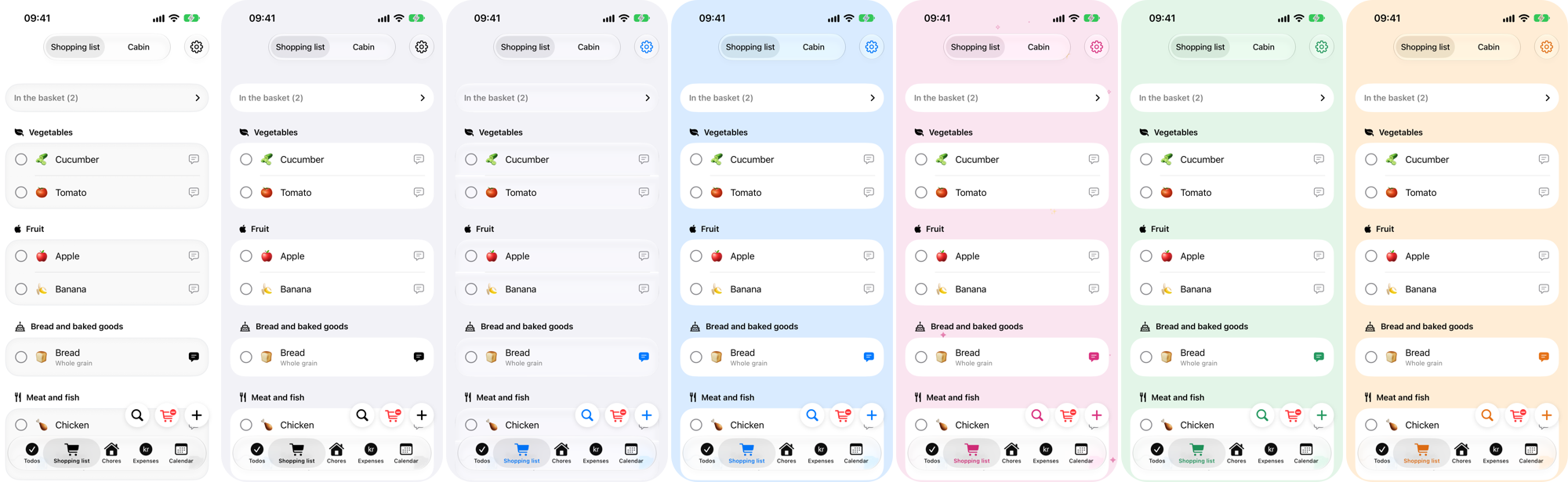
Choose between seven themes to make OneHome your own.
Privacy & support
Your data stays in your own iCloud. No ads, no tracking, no account to create – just Sign in with Apple.